

Take your teamfrom vibe codingto orchestrating reliable AI systems.
Recorded lessons you take at your own pace, a challenge on the practice repository after most of them, and one live call a week with the two engineers who wrote it. Every lesson is listed further down this page, with the prices.
Programme at a glance
| weeks, depending on tierThree weeks to the Coder tier, five to Orchestrator, seven to Architect. | 3–7 |
|---|---|
| recorded lessonsListed on this page, with their subtopics and challenges. | 31 |
| live Q&A callEvery week of your tier, 60 to 90 minutes, with both founders. | 1 per week |
| certificates: Foundations and one per packageIssued when you score at least 80 % across your package's tests and submit the final practical work; verifiable at a URL anyone can open. | 4 |
| next intakeLessons unlock week by week from the intake start. | November 2026 |
Teams we have trained100+ engineers trained, rated 4.8 of 5. At most 10 participants per lecturer.4 products built with this methodology.


Your agent is not the problem.The system around it is.
The demo always works. Two weeks later the same agent, on the same repository, writes something that reads correctly and is wrong in a way review does not catch. Nothing about the model got worse. The work got big enough for the missing parts to start mattering: no budget for what goes into the context, no memory that survives the session, and nothing forcing the agent to prove its change works.
Those are systems problems, and systems problems can be taught.
This is the wrong page for you ifyou are learning to program, you want to build the models rather than build with them, or you want to watch rather than build. Most lessons here end in something you have to make work.
Four levels,and the stage each one takes you to.
You come in as a (Vibe) Coder. Each level below states what it covers, what it costs you in time, and the certificate it closes.
01
Augmented Foundations
Foundations: context, memory and your first skills
- Comes in as
- (Vibe) Coder
- Leaves as
- Augmented Foundations
- 7
- lessons
- 8
- challenges
- 62
- subtopics
Certificate
Skills listed on the certificate
02
Master of AI-Augmented Coding
Your setup as a system: subagents, MCP and a first hook
- Comes in as
- Augmented Foundations
- Leaves as
- Augmented Coder
- 6
- lessons
- 3
- challenges
- 39
- subtopics
Certificate
15 certified skills
03
Master of AI-Augmented Orchestration
Orchestration: multi-level systems, running in parallel
- Comes in as
- Augmented Coder
- Leaves as
- Augmented Orchestrator
- 7
- lessons
- 8
- challenges
- 46
- subtopics
Certificate
24 certified skills
04
Master of AI-Augmented Architecture
Team infrastructure: loops, distribution and governance
- Comes in as
- Augmented Orchestrator
- Leaves as
- Augmented Architect
- 11
- lessons
- 8
- challenges
- 69
- subtopics
Certificate
32 certified skills
The whole programme,one level at a time.
Four levels, 31 recorded lessons, 216 named subtopics and 27 challenges. Nothing here is hidden behind a form.
Level 1
Augmented Foundations
7 lessons / 8 challenges
- 1.01
Foundations: Agents, Tokens and Context
What is Claude Code, the agentic paradigm, tokens & context, current models, effort and cost, the mindset shift from coder to orchestrator.
- 1.02
Meet the Practice Repository
Repository Introduction: Meet the practice repository · What the Practice Repository Is
- 1.03
Prompting Practice: The CLEAR Prompt
The CLEAR prompt (Context, Limits, Evidence, Aim, Result), based on Anthropic's prompting guide, practiced on invoices-glider: vague vs CLEAR runs, three starter prompts, and a two-way anonymizer for working with sensitive data.
- 1.04
Commands and Memory: Your CLAUDE.md
Steering a running session, operating modes, slash commands, CLAUDE.md and file imports.
- 1.05
MCP Servers: Connect Claude to Your Tools
Model Context Protocol: what it is, plugins and marketplaces, installing servers, and why to connect only what a task needs.
- 1.06
Skills, Part 1: Write and Run Your First Skill
Auto-discovered workflows, SKILL.md structure, triggers, when skills make sense vs commands.
- 1.07
Skills, Part 2: Composition, Subagents and Limits
Skills: Composition, Subagents & Limits · Claude Is Already Orchestrating
Level 2
Master of AI-Augmented Coding
6 lessons / 3 challenges
Finishing this level takes you to Augmented Coder
- 2.01
Advanced Skills, Hands-on
Auto-discovered workflows, SKILL.md structure, triggers, when skills make sense vs commands.
- 2.02
Subagents and the Orchestrator-Worker Pattern
Built-in and custom subagents, background and fork mode, the orchestrator-worker pattern, scoped tools per worker.
- 2.03
The Skill, Agent and Hook Architecture
Commands vs. Skills vs. Subagents vs. Hooks. When to use each. The orchestrator pattern.
- 2.04
Build Your First Subagent and Safety Hook
Practical exercise: Create a personalized unified development workflow with enforcement thinking.
- 2.05
Your First Orchestrator: Ship a Feature, Then Port It to Your Repo
Compose your first orchestrator on the practice repo (a researcher leaf finds the bug, backend-engineer fixes it, reviewer and tests check it), ship one feature through it, then take protected time to port your setup into your own repo with /port-to-your-repo and prove it fires there.
- 2.06
The /insights Command: Learn From Your Own Sessions
Built-in command that analyzes your Claude Code sessions and generates personalized recommendations.
Level 3
Master of AI-Augmented Orchestration
7 lessons / 8 challenges
Finishing this level takes you to Augmented Orchestrator
- 3.01
Warm-Up: Run the Orchestrator You Built
Warm-Up · You Start With a Working Orchestrator · Finished Early? Meet the Bundled /verify
- 3.02
The Three-Layer Model and the Gate-Check
Three Layers, One Folder · What Each Layer Does
- 3.03
Build a Multi-Layer Orchestrator
Three Clean Layers: a Choice, Not a Constraint · The Real .claude/ Tree You Are Building
- 3.04
Nested Subagents: Choosing the Boundary
The Boundary Is Now a Choice · The Rule You Learned Was a Constraint
- 3.05
Parallel Execution With Git Worktrees
Why Parallel Work Needs Isolation · The Raw Mechanics: git worktree
- 3.06
Self-Correction Loops and Structural Requirements
Where the Loop Lives: L1 Owns It · Three Ways to Verify · Contracts That Make It Converge
- 3.07
Run the Whole Machine, End to End
Apply It
Level 4
Master of AI-Augmented Architecture
11 lessons / 8 challenges
Finishing this level takes you to Augmented Architect
- 4.01
Let It Run Safely: Read-Only Database Access
Let It Run Safely · Hands-on: The Database Is Read-Only Now
- 4.02
Micro-Tools: Small Review Pages for People
Small HTML pages Claude builds so people can review items and decide; Claude reads the decisions back and acts.
- 4.03
Build Your Own MCP Server
Build an MCP server that talks to the running invoices app through its API, then connect your agent to it.
- 4.04
RAG and Vector Stores
Agentic search vs retrieval, how retrieval works, a hands-on with station's docs-search, and what RAG costs.
- 4.05
Workflows: Scripts Claude Writes and Runs
Workflows (New Platform Feature) · A Workflow Is a Script Claude Writes
- 4.06
Convergent Loops: Agents That Know When to Stop
Advanced Use Cases: The Convergent Loop · Loops That Know When to Stop: /goal
- 4.07
Design Your Agent System
What /design-agent-system Does · The Plan It Returns
- 4.08
Distributing Your Setup: Plugins and a Marketplace
What a Plugin Bundles · What Travels, What Does Not
- 4.09
Architecture, Platform Features and Folder Layout
Memory Tiers, Mapped to Files · 25 Skills: Flat Discovery vs. a Readable Tree
- 4.10
A Team Knowledge Base the Agent Uses
Turn what the team knows into memory the agent loads: the memory tiers and their files, what stays out, a docs/ knowledge base of decisions and incidents that loads when the work touches it, and how to keep it true. Hands-on: give station a team memory and prove the agent uses it.
- 4.11
Capstone: Your 30-Day Team Rollout Plan
Write a 30-day rollout plan for your real team from today's pieces: what to promote first and through which gate, which memory to seed, which guardrails to set, which signals to watch, who owns what and your first champions. Then swap plans and find the riskiest assumption.
Lesson titles, durations and challenge names come from the live course database, tidied up for reading. Add a lesson there and it appears here on the next export. The live workshop also runs 12 short opening, recap and closing sessions (168 minutes in total). They only make sense in a room full of people, so they are not listed here and not counted above.
We do not just teach this. We ship with it.
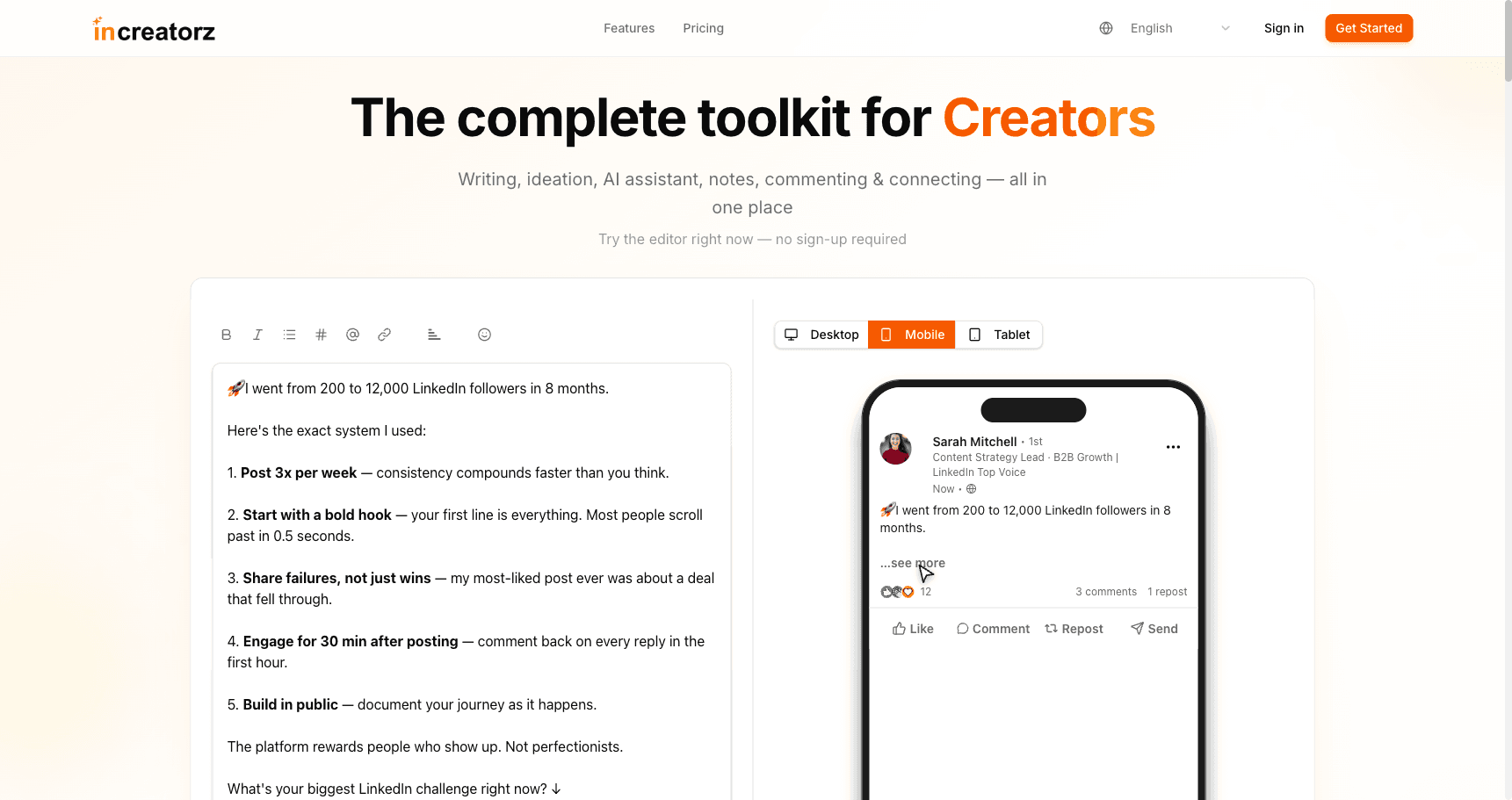
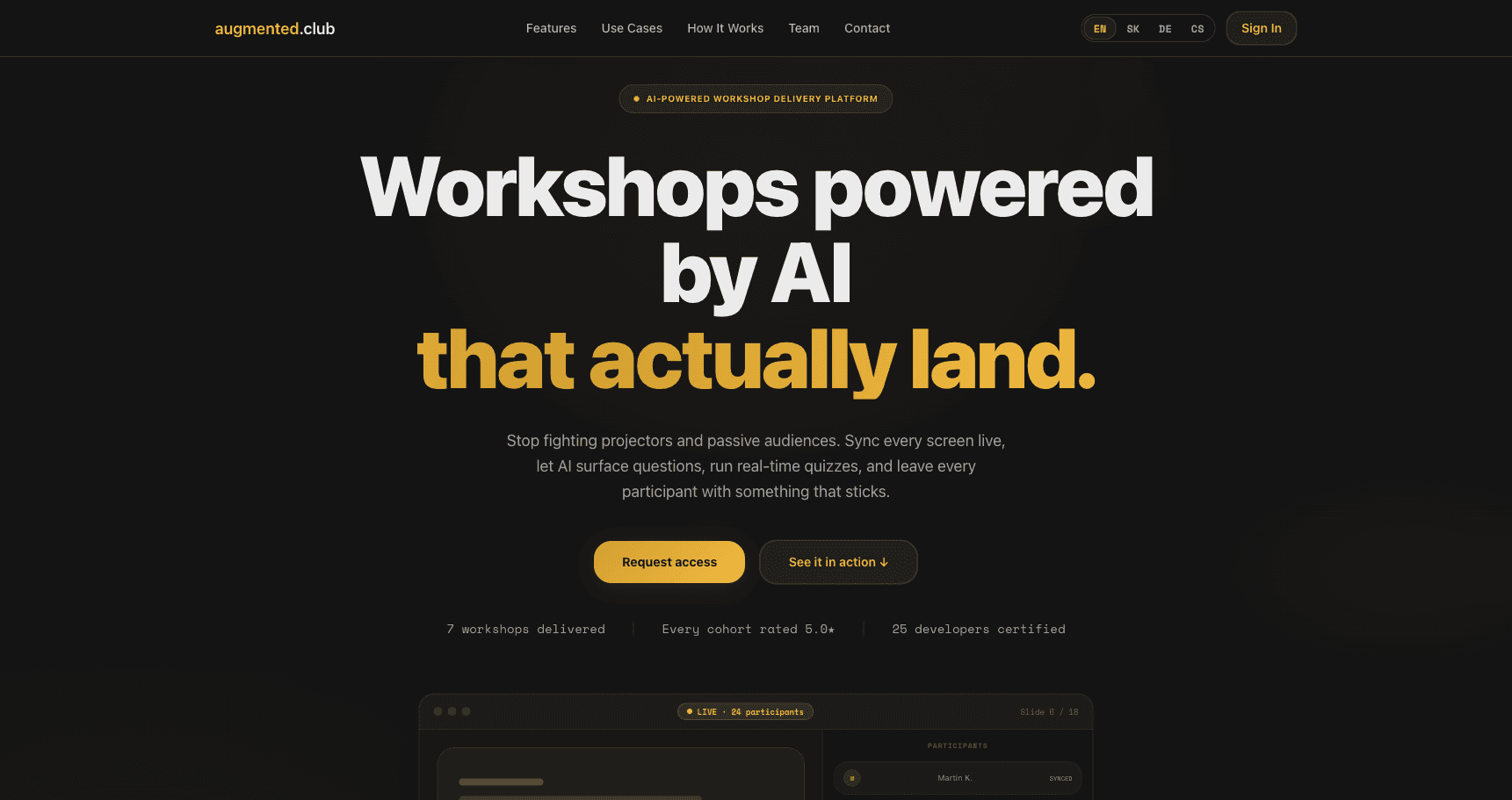
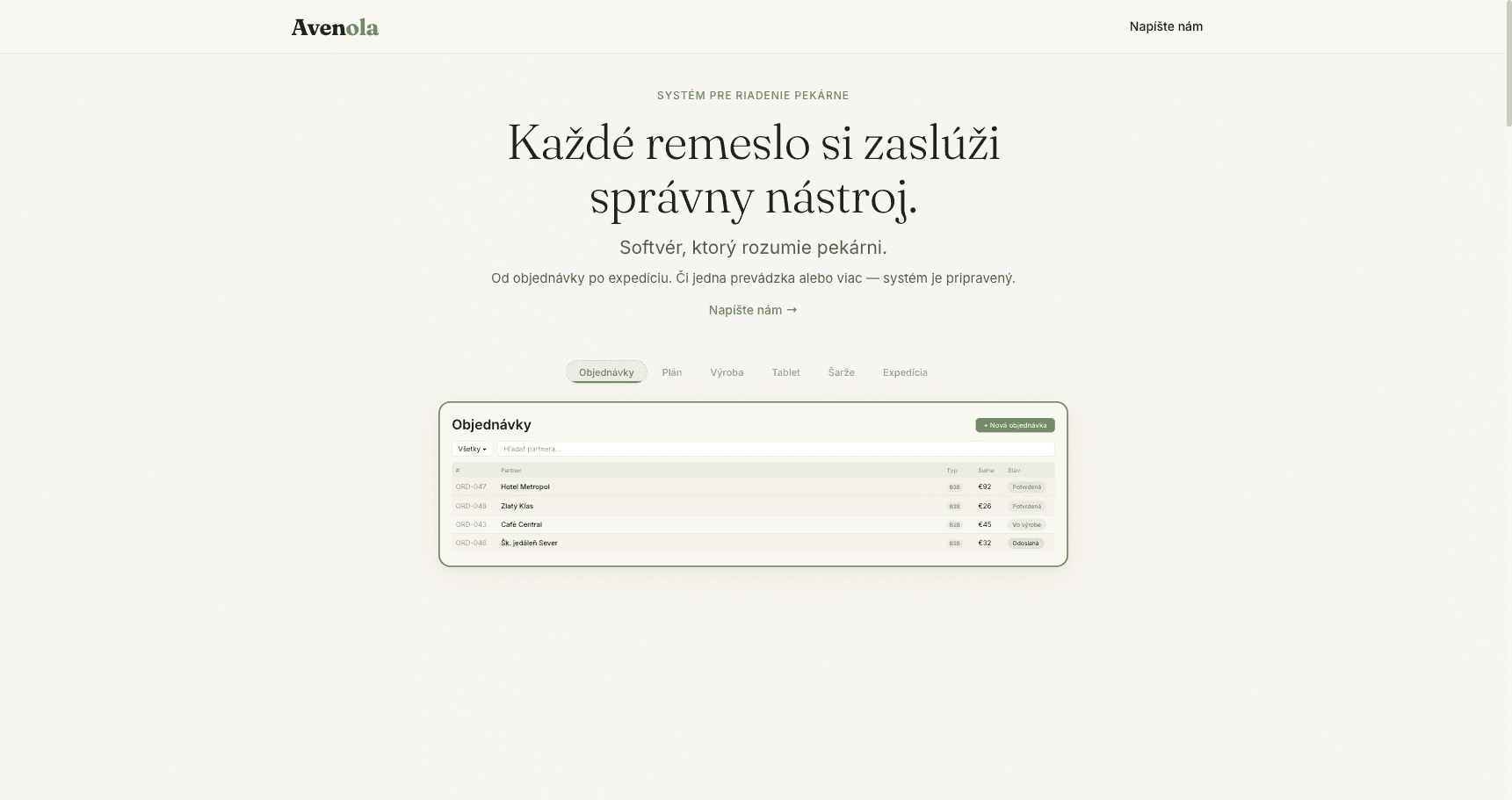
Four products in five months. This is where we apply the method ourselves, test what is new, and find out what is actually worth teaching. Every panel is a screenshot of running software, not a mockup.

Will this be obsolete in six months?
No. Here is the honest split: two lists, and one of them is short.
What changes
Model versions
A new top model lands every few months.
Context window sizes
The number changes; budgeting for it does not.
Which tool your employer picks
That decision is rarely yours.
Which editor you sit in
Everyone has a favourite. Nobody agrees.
Pricing and rate limits
Repriced without notice, routinely.
Product names and menu labels
Renamed between releases.
What holds
Token and context budgeting
Foundations: Agents, Tokens and Context
Skills written as files
Skills, Part 1: Run Ours, Write Your Own
The Model Context Protocol
MCP Servers: Extending Claude's Reach
Subagent architecture
The Skill, Agent and Hook Architecture
Hooks, permissions and enforcement
Hooks, Permissions and Security
Verification and self-correction loops
Self-Correction Loops and Structural Requirements
How orchestrators are structured
The Three-Layer Model and the Gate-Check
Isolation and parallelism
Parallel Execution With Git Worktrees
Distribution and governance
Governing and Evaluating Shared Infrastructure
Every row on the right is a lesson in the programme, named as it appears in the curriculum below.
What the lessons teach
Most lessons teach a standard rather than a product: context budgeting, skills as files, MCP, subagent architecture, hooks, verification loops, how orchestrators are put together. The keystrokes are those of the tool we currently teach in, because you have to type into something.
What moving to another tool actually costs
A skill is a file
A markdown file with a short header and a body. It says when to trigger and what to do. It is not a binary and it is not hosted anywhere, so it copies to another tool the way any file does.
Your setup converts with a script
Memory files, permission rules, MCP server definitions and subagent specs are all text in version control. Moving them means converting text, not writing it again.
What you re-check is behaviour
After a switch you re-run your checks and confirm the new tool respects your rules. That is an afternoon, not learning it all again.
Pick the level you want to reach.
The same four levels, two ways to take them: on your own schedule with a weekly group call, or in the room with a facilitator. Pick the format, then the level you want to reach.
About 3 to 3.5 hours a week of lessons and challenges at your own pace, plus one live group call of 60 to 90 minutes a week with the lecturer.
In every tier
About 3 to 3.5 hours a week of lessons and challenges, plus one live Q&A call of 60 to 90 minutes a week during the programme
Certificate when you score at least 80 % across your package's tests and submit the final practical work, verifiable online
12 months of access from the start date; corrections, security updates and replacements of outdated lessons within your package are included
Lessons, slides and live calls in English; the slides are a web page your browser can translate
Full refund on request until 23:59 on the seventh calendar day of the programme (the start date is day one)
Good to know
Sold per seat. There is no minimum group size.
Paid in full in advance by bank transfer, on an invoice you request at [email protected].
Lessons unlock week by week from the start date, so the programme has a pace even though you set your own hours.
Corrections, security updates, replacements of outdated lessons and content improvements within your package are included in the price. New programmes, new packages and substantial extensions are not.
Upgrade to a higher tier at any time and the amount you already paid comes off the price.
The self-paced lessons are the same lessons the in-person teams get in the room.
Enrolment is by invoice: request it at [email protected] and we reply with the invoice and the start date. Prices are per person, excluding VAT. Your employer can pay: ask for the invoice in the company's name.
Self-study terms
Self-study: payment, access and refund
The self-study form of the Master of AI-Augmented Coding programme has its own terms of business, separate from lecturer-led training.
Upcoming start dates
| Package | Start | Price | Live part | Access until | Full refund until |
|---|---|---|---|---|---|
| Master of AI-Augmented Coding | Loading start dates… | €490paid in full in advance | 3 weeks | 12 months from the start | — |
| Master of AI-Augmented Orchestration | Loading start dates… | €790paid in full in advance | 5 weeks | 12 months from the start | — |
| Master of AI-Augmented Architecture | Loading start dates… | €1,190paid in full in advance | 7 weeks | 12 months from the start | — |
You can request an invoice by email at [email protected]. Once your enrolment is agreed, we issue the invoice; the full amount is paid in advance by bank transfer, no later than 3 working days before the programme starts. You get access on the published start date of the self-study programme, and it lasts 12 months. Your enrolment confirmation states the exact first and last day of access.
While your access lasts, you have the purchased lessons and assignments, your submitted work and results, and the Q&A recordings of your course. Live Q&A sessions and active support from the lecturer or the community are available only during the scheduled 3-, 5- or 7-week programme.
The price includes corrections, security updates, replacements of outdated lessons and content improvements within the purchased programme and package. Future separate programmes, new packages and substantial extensions beyond the purchased scope are not included.
You can request a full refund without giving a reason by email at [email protected] no later than 23:59 on the seventh calendar day of the programme; the start date counts as day 1. The guarantee applies to every place bought on standard terms, whether a natural or a legal person pays for it. Separately agreed company contracts may explicitly set different terms.
After a refund, your participation and your access to the lessons, the community and the Q&A end immediately, and your recorded progress will no longer be available. No certificate of completion and no platform certificate will be issued. Normal use of the content unlocked during the first week does not rule out a refund; we may refuse only demonstrably abusive repeated enrolments and refund requests.
This voluntary satisfaction guarantee is an additional contractual benefit and does not limit any mandatory consumer rights under applicable law.
Augmented Methodology in Practice
A ten-week applied programme for putting the Augmented methodology into practice on your team's real work, through individually agreed assignments.
Registered as “Augmented metodológia v praxi”
- Duration
- 10 weeks × 2 h
- Scope
- 26 teaching hours
- Framework level
- B1.1
- Price
- €1,750 per participant, excl. VAT
- Language
- English or Slovak
- Assessment
- At least 5 agreed assignments
How assessment works
Each participant agrees at least five assignments with the lecturer (about eight are recommended). The programme is completed when the lecturer approves at least 80 % of the agreed assignments; only approved assignments count.
Terms
Invoiced to the company once the cohort is agreed, payable within 14 days and before the first session. The start date is agreed with the company.
The parts that are not a lesson.
How the weeks are shaped, what language you can work in, and what catches you if it turns out not to be for you.
Next intake
November 2026
The format
Video lessons with the slides, in English
Each lesson is the recorded workshop lesson plus its slides. Lessons, slides and live calls are in English; the slides are a web page, so your browser (for example Chrome) can translate them.
New lessons unlock every week
From the intake start, a week's lessons open as you finish the week before. You cannot binge it in a weekend, and that is deliberate: the challenges need your repository to catch up.
A challenge on the practice repository after most lessons
You submit what you built. Questions and submissions are written, in your own time.
One live Q&A call a week, 60 to 90 minutes
With both of us. Bring the thing that did not work. Calls run in English; you do not have to speak on one.
A certificate per package, verifiable by URL
Score at least 80 % across your package's tests and submit the final practical work, and the certificate is issued, with the skills it covers listed, at an address anyone can open.
12 months of access, plus community membership
Your lessons stay open for twelve months from the start date, and the same twelve months include membership of the Augmented community. Corrections, security updates, replacements of outdated lessons and content improvements within your package are included in the price.
Time it takes About 3 to 3.5 hours a week of lessons and challenges, plus one live call of 60 to 90 minutes.
Your language
Lessons, slides and live calls are in English. The slides are a web page, so your browser (for example Chrome) can translate them into your language. Nothing in the programme requires you to speak on a call.
- English
This matters most to engineers who read English fine and would rather not be judged on their accent.
Your safety net
- 01
Run the level check before you pay anything
A read-only prompt you paste into your own AI coding tool. It reads your setup and your recent sessions, and the level is decided by us rather than by your agent, so the same setup always scores the same. You see the whole record before anything is sent.
- 02
A free diagnostic call
Thirty minutes with one of the two people who wrote the programme. No pitch. If the level check says you are already past the stage you were aiming for, we say so and you keep your money.
- 03
A free pre-assessment
Every engineer is assessed before day one, so nobody pays to sit through what they already know. If the assessment puts you above a tier, we point you at the one that starts where you actually are.
- 04
Full refund until 23:59 on day seven
Email [email protected] by 23:59 on the seventh calendar day of the programme (the start date is day one) and we refund in full, no reason needed.
- 05
Nothing you build is stranded
Skills, prompts, context files and MCP servers are just files, and files move. Your setup converts with a script. After a switch you re-check behaviour; you do not write it all again.
- 06
The same lessons the in-person teams get
This is the four-day workshop we run for Swiss and German engineering teams, cut into a self-paced track. Same lessons, same challenges, same two people on the weekly call.
Find out where you actually stand, in five minutes.
Paste one instruction into your AI coding tool. It reads your setup and, where the tool allows it, how you actually worked in recent sessions, then rates forty published metrics. It does not decide your level: we do, from those ratings, so the same setup always scores the same.
It only reads. It shows you the exact record before it asks, and sends nothing unless you say yes. The record is forty ratings and two sentences: no code, no file paths, no repository or company names.
What it does
- Reads your memory files, skills, subagents, hooks and MCP config
- Reads how you actually work in recent sessions, where your tool allows it
- Rates forty metrics across ground, reuse, control, orchestration and scale
- Names one gap and the smallest change that closes it
- Shows you the record, asks, and emails you a private report only if you agree
paste into your agentI want an honest read on how I actually work with my AI agents. Fetch https://augmented.club/assessment.md and follow it. Ask me before sending anything.
Works in Claude Code, Cursor, Codex, or anything that can fetch a URL. Your agent reads the instructions and follows them on your machine.
https://augmented.club/assessment.md
Practitioners, not lecturers.
The founders who shipped 4 products in 5 months teach every session.

Adam Bilišič
Founder & AI-Augmented Coding Expert
14+ years in software, 8 of them leading engineering teams. Most recently CTO of a Swiss company.

Jerguš Frajt
Founder & Senior AI Engineer
10+ years as a full-stack engineer for Swiss enterprise clients.
What engineers said after the room went quiet.
Real reviews from real attendees. Enersis, Paysy, Treetek and more.
“I loved the workshops, they were both fun and very beneficial. Highly recommend. Exceeded my expectations 300 percent or more!”
Maciej Wroblewski
Unravel
“I was looking forward to this knowing it would be amazing, and it turned out better than expected!”
Dejan Biljecki
Enersis
“As a PO, I now know how I can use Claude in my daily work, and I know it will improve efficiency and accuracy tremendously. I will definitely automate tiresome tasks. Full recommendation!”
Antje Naumburger
Product Owner, Enersis
“I learned a lot of concepts using Claude Code. I got many ideas for the project I am currently working on, and feel a lot safer using the core features.”
Henrik Holke
Treetek
“Day 3 was a very tough day, but I liked it very much and I have learned a bunch of stuff. Very technical and hands-on. Thank you very much!”
Burak Bakir
Netze BW
“Very insightful and practical, hands-on first day, learned a lot!”
Anna Horst
Enersis
What happens when a whole team learns to build with AI
enersis ran our programme across engineering, HR and operations. Here is what changed, in their words.
What changed in the business?
0:46
One of your team built a tool just for himself. What happened to it?
“He built a small chatbot for himself to discuss those specs. This was the spark that lit the fire. This chatbot is now part of our product, and we are MVP-ing it for our customers.”
0:29
How did the cohort change your own workload?
“I'm delivering more with what feels like less stress and less workload, plus I have time for the side projects that bring value to the company.”
The honest answers.
The programme
No. Every challenge runs on a shared practice repository, so you are never blocked by what you are allowed to push to at work, and nothing you try can break something real. What you build is still yours to keep: skills, memory files, MCP configuration, hooks and subagents are all files, and you carry them into your own repositories afterwards.
No. Prompting is level 1 material and it is the smallest part of it. The programme is about what sits underneath: what goes into the context and what it costs, memory that survives a session, subagents with real job boundaries, hooks that refuse a command, and loops that are not allowed to claim success until a real command has run and passed.
Most of it teaches a standard rather than a product, so it survives the next release. The section above shows what changes and what holds, each row named after the lesson that teaches it, so you can judge that for yourself rather than take our word for it.
We build on Claude Code because it is currently the strongest harness for this work. It is not a dependency. Skills, prompts, context files and MCP servers are portable, and configuration can be migrated by script to other harnesses such as OpenCode. What needs re-validating after a switch is behaviour, since a different model responds slightly differently to identical configuration. The method and the artifacts survive.
Format and time
About 3 to 3.5 hours a week of lessons and challenges, plus the live call of 60 to 90 minutes once a week. Lessons are recorded, so you decide when; the live call is the one fixed point.
One call a week, 60 to 90 minutes, with both founders. It is for questions about what you are building and where it is not working. You never have to speak, and questions written in advance get answered on the call.
Lessons unlock week by week from the intake start, so the group moves together even though the lessons are recorded. The next intake is November 2026.
12 months of access from the start date, with the same 12 months of membership in the Augmented community. Corrections, security updates, replacements of outdated lessons and content improvements within your package are included; new programmes, new packages and substantial extensions beyond it are not. Live Q&A and active support run only during your 3-, 5- or 7-week programme.
Certificates and language
A setup you built yourself, as files you can carry into any repository, and the certificate for the package you complete. It lists the named skills it covers and resolves at a URL anyone can open, so it is checkable rather than decorative.
Score at least 80 % across your package's tests and submit the final practical work, and the certificate for the package is issued. Foundations ends with its own platform certificate on the same rule.
Lessons, slides and live calls are in English. The slides are a web page, so your browser (for example Chrome) can translate them. Nobody is obliged to speak on a call.
Price and risk
Run the free level check on this page before you pay anything. It reads how you already work and tells you which level to start at. If you still land wrong, upgrading credits everything you have already paid.
Full refund on request until 23:59 on the seventh calendar day of the programme (the start date is day one), no reason required. Before that there are three free steps: the level check on this page, a diagnostic call, and the pre-assessment.
Yes. Request the invoice at [email protected] in the company's name. If you want several seats or the in-person format for a whole team, say so and we will come back with both options.
You have seen every lesson and every price. Now decide.
Start with the free level check if you are not sure where you belong. It costs nothing, it takes a few minutes, and it tells you which level to buy.
Tell us where you are. We reply with the tier and the start date.
Paste the summary from the level check if you ran it, or just say what you are stuck on. One of the two engineers who wrote the programme answers, usually within a day. No pitch, no call required.